Pulse Slicer VR 音律破界
A downloadable Pulse Slicer
A VR rhythm experience where your melody drives the beat — procedural level generation based on your music.
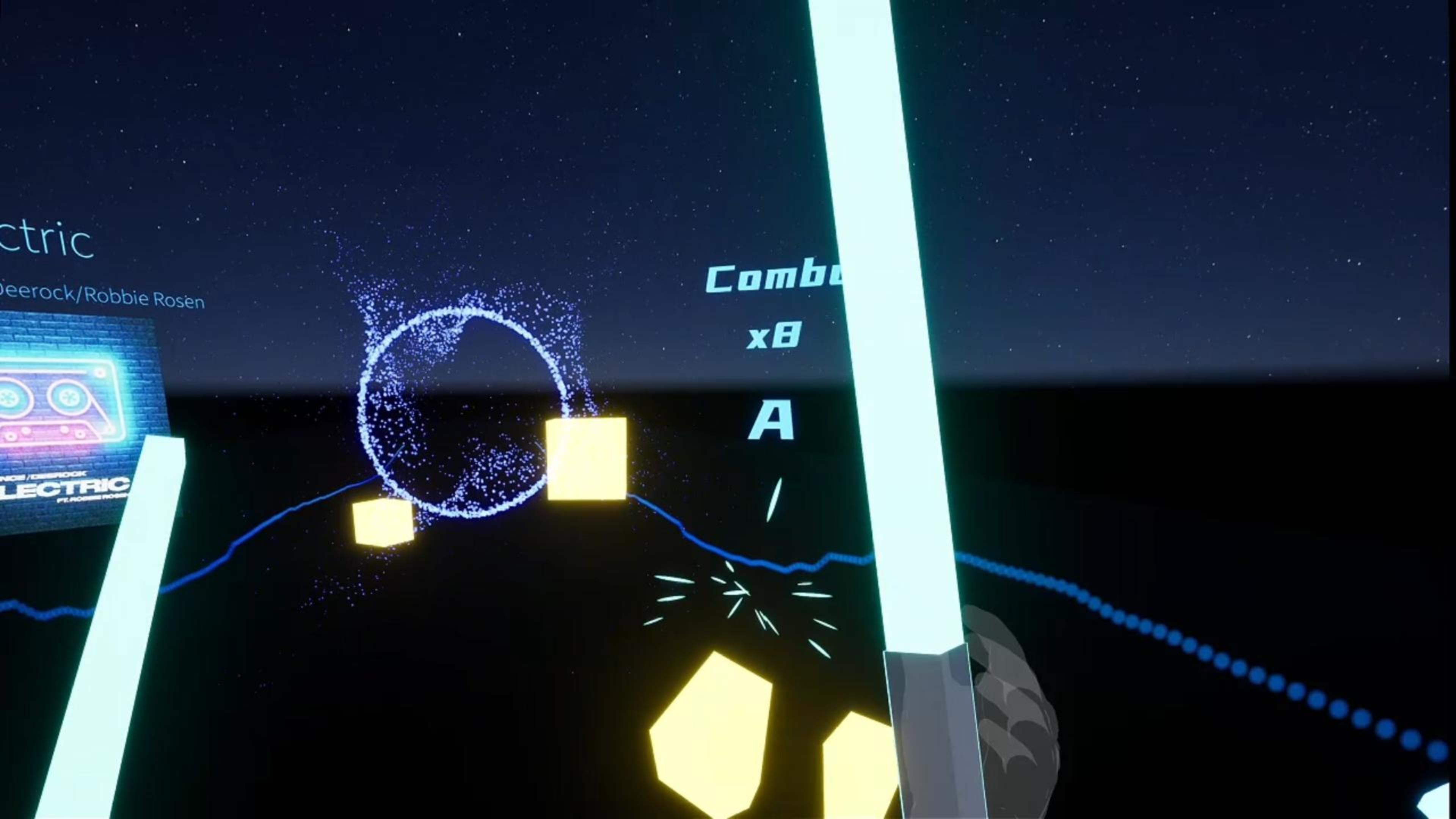
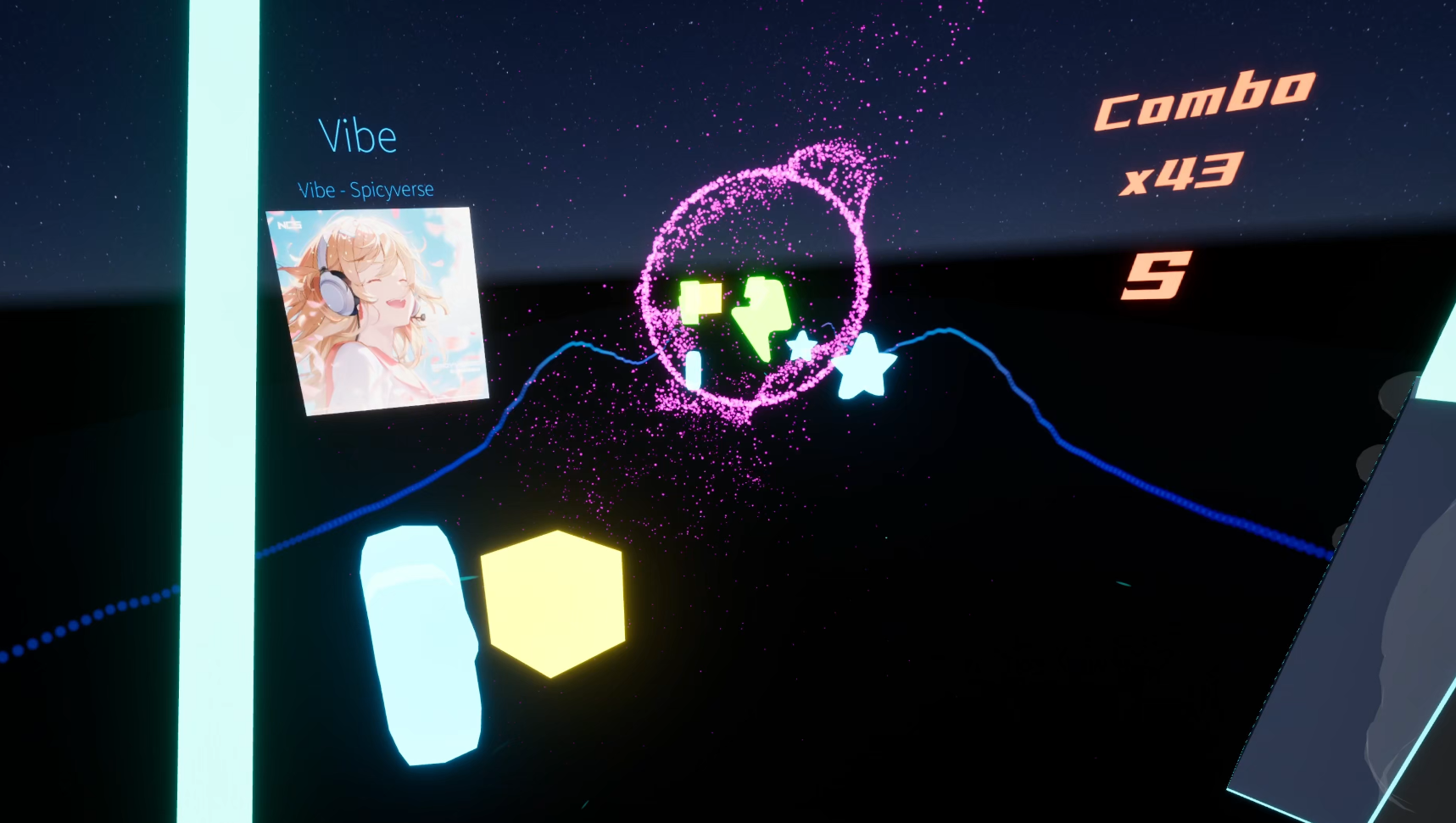
Pulse Slicer (RhythmParser) is a VR rhythm game that automatically generates playable levels in real time from any music you provide. Just put your favorite songs into the game’s folder, and the system will analyze the melody and create a rhythm track on the fly. In gameplay, you wield a lightsaber-like sword and slash through the generated rhythm items to the beat of your music.
This project is still in the early stages of development, and I’m actively working on it with updates happening almost every day. You might run into lots of bugs — or as I like to call them, “features”. You can follow this page to stay updated with new improvements, fixes, and cool changes as they are released. Your support and feedback really help shape the game!
Pulse Slicer (RhythmParser) 是一款 VR 节奏游戏,它可以根据你提供的任意音乐实时自动生成可游玩的谱面。只需将你喜欢的音乐文件放入游戏指定的文件夹,系统就会分析旋律并动态生成节奏轨道。在游戏中,你手持类光剑武器,随着音乐节拍砍击生成的节奏物件,体验沉浸式的音乐互动玩法。
这个项目目前仍处于早期开发阶段,我每天都在持续更新和改进。你可能会遇到很多 bug ,欢迎关注本页面以获取最新的改进、修复和新内容发布。你的支持与反馈将对游戏发展起到重要作用!
1.How It Works — Music File Import
Pulse Slicer automatically detects and imports audio files that you place in the following folder on your computer:
C:\Users\{Your Username}\Documents\RhythmParserMusic
Supported audio formats: .mp3 .wav .flac .ogg
To use your own music in the game:
-
Place your audio files into the Documents\RhythmParserMusic folder.
-
Launch Pulse Slicer.
-
The game will automatically scan and generate playable rhythm levels from the detected files.
Make sure your music files are in one of the supported formats above for proper recognition and level generation.
使用说明 — 音乐文件导入
Pulse Slicer 会自动检测并导入你放在电脑指定文件夹里的音频文件:
路径:
C:\Users\{你的用户名}\Documents\RhythmParserMusic
支持的音频格式:
.mp3、.wav、.flac、.ogg(常见音频文件格式)
使用方法:
-
将自己的音乐文件放入 Documents\RhythmParserMusic 文件夹。
-
启动 Pulse Slicer。
-
游戏会自动扫描这些文件,并基于识别到的音乐生成可玩的节奏关卡。
请确保你的音乐文件是以上支持的格式,否则可能无法被识别。
Compatibility & Recommendation
Right now I’m making and testing Pulse Slicer with SteamVR using a Pimax Crystal Light headset (which supports SteamVR and OpenXR runtimes). My friends have also tried it on Meta Quest 3 and Pico Neo 3 and the game runs fine on those devices when using SteamVR.
It should work on most VR headsets that support SteamVR or OpenXR, but since I haven’t fully tested other runtimes yet, I recommend launching SteamVR manually before playing so things work as expected. If you try the game on a headset or runtime I haven’t mentioned, please share your experience — your feedback helps make the game better on more platforms.
兼容性与建议
目前我主要在 SteamVR + Pimax Crystal Light 上开发和测试 Pulse Slicer,这个组合支持 SteamVR 和 OpenXR 运行时,表现稳定。我朋友也在 Meta Quest 3S 和 Pico Neo 3 上使用 SteamVR 进行了测试,游戏运行良好。
理论上,支持 SteamVR 或 OpenXR 标准 的大多数 VR 头显都应该可以运行本游戏,但我还没全面测试所有 OpenXR 环境。因此推荐先手动启动 SteamVR 再进入游戏,以获得更稳定的运行体验。
如果你在未提及的VR或OpenXR运行时上尝试运行了本作,非常欢迎分享你的测试反馈 —— 这将帮助我改善对更多设备的支持。
Recommended System Requirements
Graphics: NVIDIA GeForce RTX 4060 / AMD Radeon RX 7600 XT / Intel Arc B580
CPU: 6-core or higher (modern Intel/AMD processor)
Memory: 16 GB RAM
Discord: https://discord.gg/bGX398vV
Download
Click download now to get access to the following files:
Development log
- Pulse Slicer v0.3 devlogFeb 12, 2026
- PulseSlicer 260204 DevlogFeb 04, 2026
- Pulse Slicer VR V0.23Jan 27, 2026
- Rhythm Parser v0.22Jan 26, 2026
- Rhythm Parser v0.21Jan 25, 2026
- Rhythm Parser v0.2Jan 23, 2026
- 260122 v0.1Jan 22, 2026
Leave a comment
Log in with itch.io to leave a comment.